
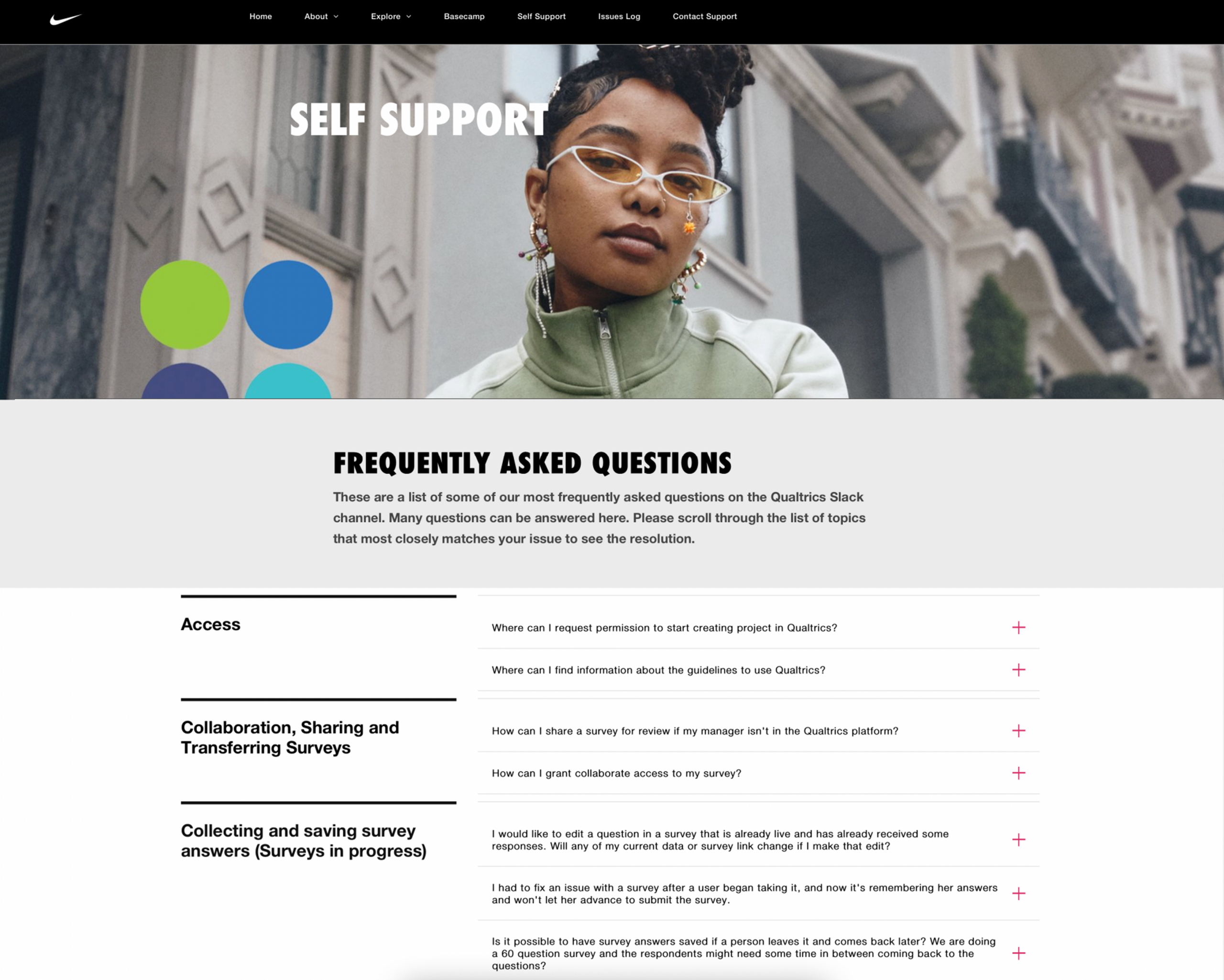
Frequently Asked Questions
To reset your password, click on your profile icon in the top right corner, select “Account Settings,” then navigate to “Security.” Click “Change Password” and follow the prompts. You’ll receive a verification email to confirm the change.
Click on your profile icon in the top right corner and select “Profile Settings.” Here you can update your name, email, profile photo, and contact preferences. Don’t forget to click “Save Changes” when you’re done.
Navigate to the “Projects” tab and click the “+ Create New Project” button. You’ll be prompted to:
- Choose a project template or start from scratch
- Name your project
- Select your target audience
- Configure distribution settings
Once created, you can begin building your survey using our drag-and-drop question builder.
Go to your project dashboard, click on “Results,” then select “Share” in the top right corner. You can share via:
- Direct link (with customizable permissions)
- Email invitation to specific team members
- Export as PDF or PowerPoint
- Embed live dashboard on your intranet
Yes! In the survey editor, click on “Look & Feel” in the left sidebar. You can customize colors, add your company logo, choose fonts, and even create custom CSS styling. Changes preview in real-time before publishing.
From your project’s Results page, click “Data & Analysis,” then select “Export Data.” You can export in multiple formats including Excel, CSV, SPSS, or directly to your preferred analytics platform. Advanced filters allow you to export specific segments of your data.
All Qualtrics surveys are built with WCAG 2.1 AA accessibility standards in mind, including:
- Screen reader compatibility
- Keyboard navigation support
- High contrast mode
- Alternative text for images
- Accessible color palettes
You can run an accessibility check on your survey before publishing from the “Preview & Test” menu.
You can reach our support team through multiple channels:
- Live chat (click the chat icon in the bottom right corner)
- Submit a ticket through the Support Portal
- Email: support@qualtrics.com
- Phone: 1-800-340-9194 (24/7 for Enterprise customers)
Include your account ID and a detailed description of your issue for fastest resolution.